Practical production insights: scaling video to 4K with FLUX Video Upscale
Production insight based on a source published on 2026-08-20, not a new launch. A practical look at using FLUX Video Upscale, introduced by BFL on August 20, 2026, for improving output resolution and fixing common generation artifacts.
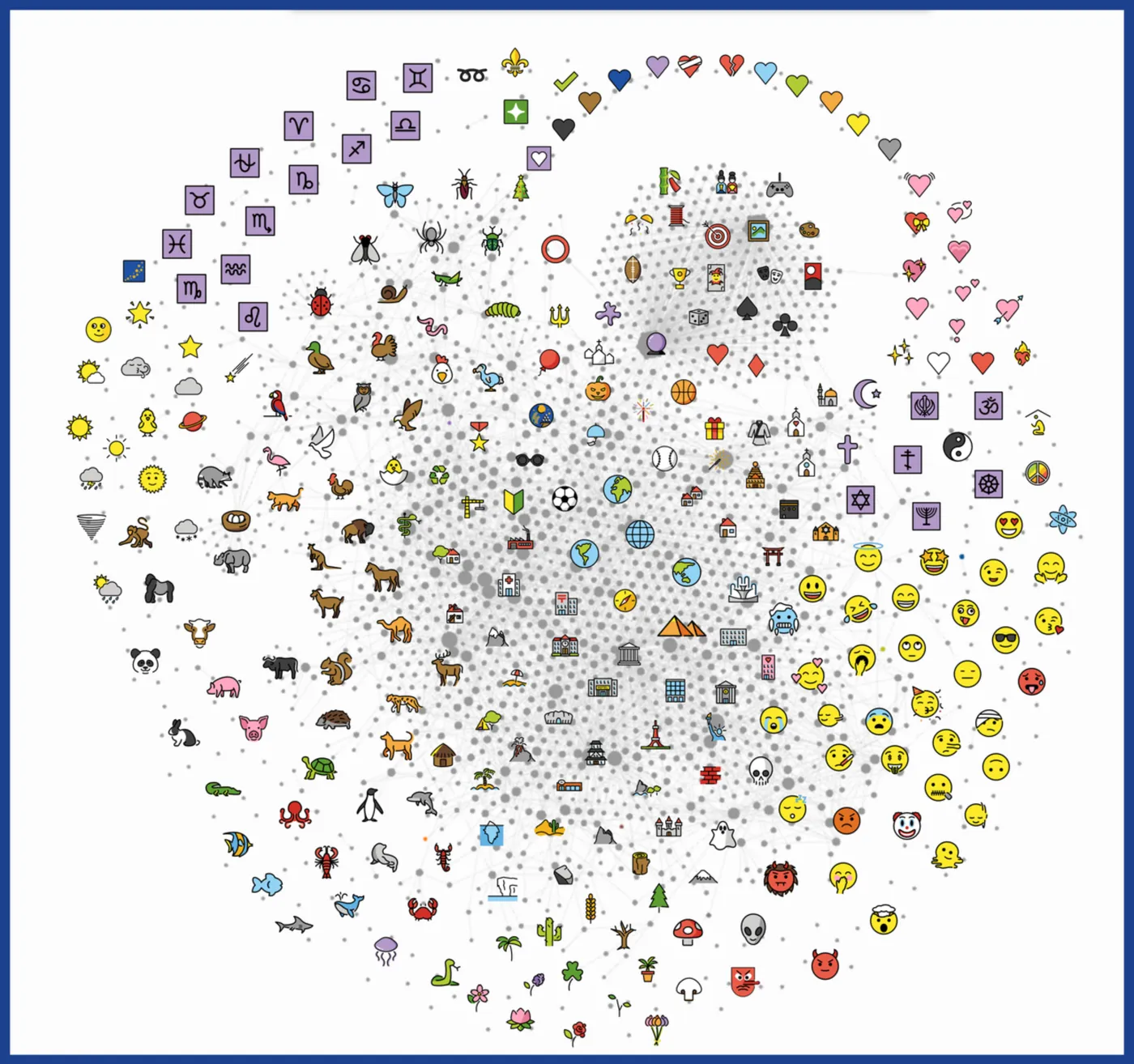
Fabrizio Matarese / Better Images of AI / Cognitive Cosmos and Mind Maps. https://betterimagesofai.org/images | CC BY 4.0: https://creativecommons.org/licenses/by/4.0/ Conceptual artwork, not a product screenshot; resized for web and converted to WebP, no endorsement. / عمل مفاهيمي مرخص وليس لقطة للمنتج؛ تحجيم للويب وتحويل إلى WebP دون الإيحاء بتأييد.
When moving AI-generated video toward broadcast or cinema formats, pixel density is critical. The FLUX Video Upscale tool offers a method to regenerate existing video assets at up to 4K resolution. Unlike general-purpose upscalers, this model is designed to recognize textures and features typical of the FLUX 3 ecosystem, addressing common issues like smudged facial details or grid artifacts on natural surfaces like water and grass.
To integrate this into a workflow, test the two available processing modes: Precise and Creative. Use the Precise mode when maintaining reference consistency—such as character identity—is the priority, as it operates with fewer steps. Alternatively, use the Creative mode when your primary goal is maximizing detail generation or repairing significant imperfections, keeping in mind that this mode may alter source identities.
Source: BFL